
Education
Mini PCs in education: compact powerhouses for modern learning environments
The digital transformation does not stop at classrooms, lecture halls and training centres – on the contrary, it is driving new forms of learning, hybrid teaching models and digitally supported knowledge transfer. This development also increases the demands on IT infrastructure in education. Powerful, low-maintenance and cost-efficient hardware solutions are in demand. Mini PCs – ultra-compact desktop computers with astonishing computing power – have established themselves as the ideal solution in this context.
Digital learning environments need flexible hardware
Digital media, browser-based applications, cloud services and interactive whiteboards are now standard in modern educational institutions. Learning platforms such as Moodle, Microsoft Teams and Google Workspace require high-performance hardware, as do CAD software, multimedia applications and simulation environments in vocational training.
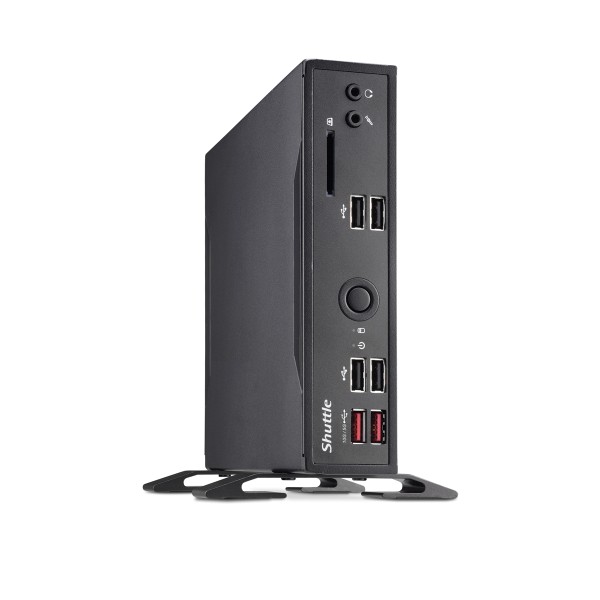
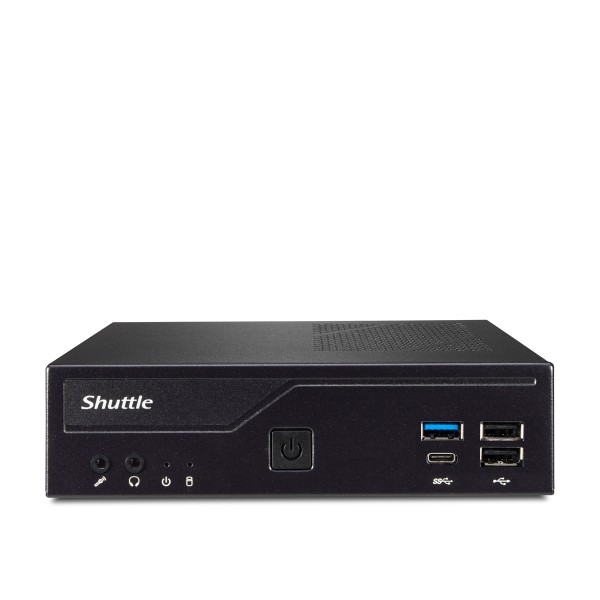
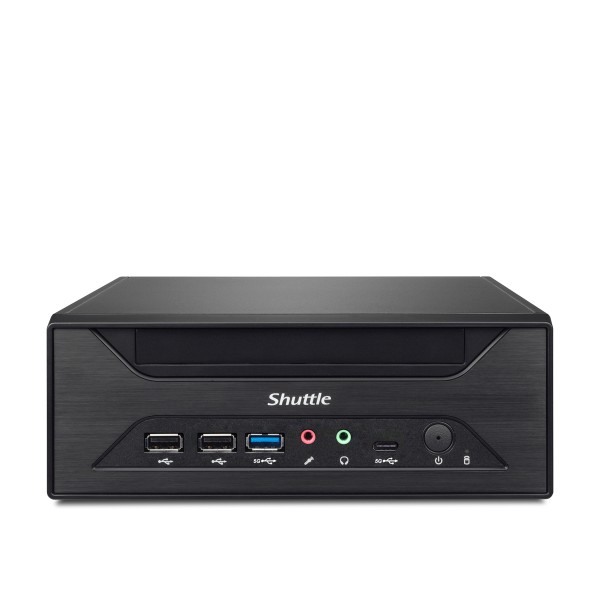
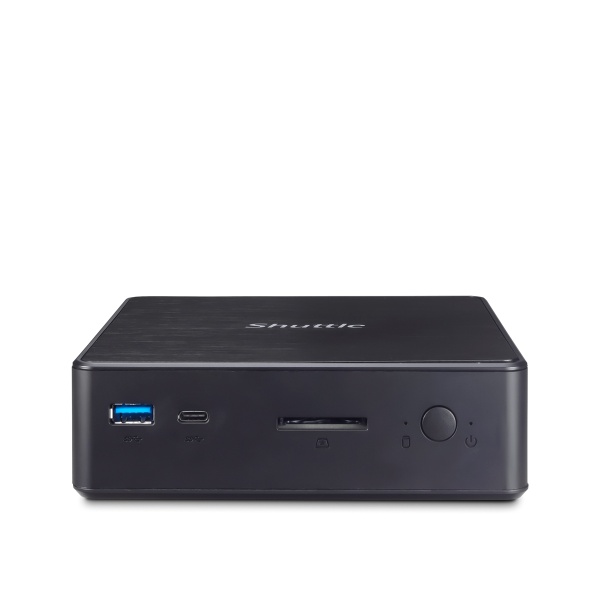
Mini PCs offer the ideal combination of computing power, energy efficiency and space requirements. They can be used flexibly – whether as workstation computers in IT rooms, as control computers in technology lessons or in the library.
Advantages of mini PCs in education
Compactness & ease of installation
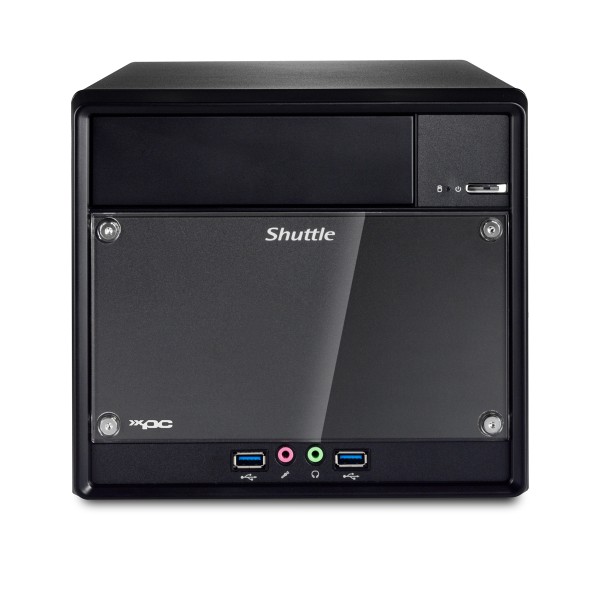
With a volume of only 0.6 to 3 litres, mini PCs blend inconspicuously into any environment. Thanks to VESA-compatible housings, they can be mounted directly behind monitors or attached under tables – a plus for tidiness and ergonomics in the classroom.
Low-noise operation
Many mini PCs operate without fans or with temperature-controlled, whisper-quiet cooling. This is particularly important in exam rooms, libraries and classrooms with multiple devices to ensure a pleasant learning atmosphere.
Energy efficiency
Educational institutions often operate hundreds of computers. Mini PCs with energy-efficient processors from the Intel Celeron, Pentium or Core series consume only a fraction of what conventional desktop PCs require during operation – saving electricity costs and protecting the environment.
Low maintenance
Thanks to their robust, compact design, stable components and standardised interfaces, mini PCs are reliable and easy to maintain.
Technical requirements for everyday education
In order for a mini PC to meet the requirements of schools, universities and training centres, the following criteria should be met:
Processor performance
A current Intel Celeron or Core i3 is sufficient for common office and web applications. In laboratories, media rooms or STEM classrooms, however, a Core i5 or i7 may be necessary to handle data-intensive tasks such as image or video editing.
Memory
At least 16 GB of RAM should be standard today, and 64 GB is advisable for more demanding scenarios (e.g. virtualisation, CAD, multimedia).
Storage
Fast SSDs (ideally NVMe) with 256 to 512 GB offer sufficient space for the operating system, software and user data and ensure short boot times and a smooth user experience.
Connectivity
Modern mini PCs should have a variety of ports:
- Multiple USB ports (including USB 3.2 Gen 2 or USB-C)
- HDMI/DisplayPort for dual monitor setups
- Gigabit Ethernet and Wi-Fi 6 for stable network connectivity
- Jack or combo ports for headsets
Screen setups & peripherals – ergonomics matter
A powerful mini PC only reaches its full potential when paired with the right peripherals:
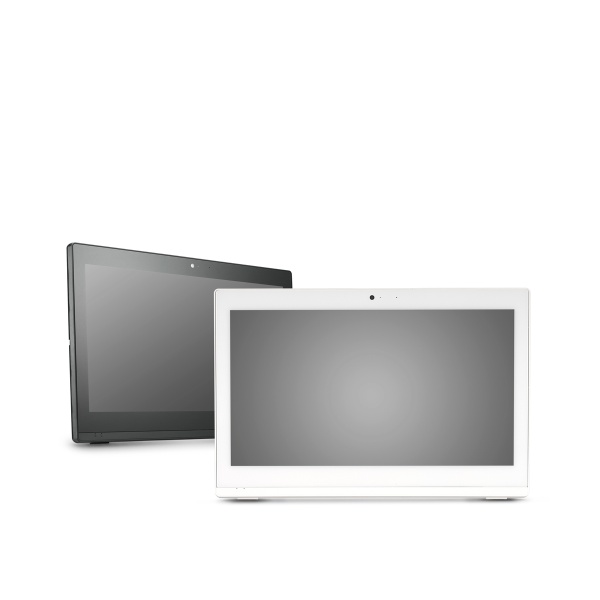
- Monitors with Full HD or WQHD resolution are standard; a second screen is ergonomically ideal for teachers or administrative staff.
- Keyboards and mice should be wired, robust and easy to clean.
- Webcams and headsets are indispensable in the context of hybrid learning models and distance learning.
Mini PCs – key technology for the digital classroom
Mini PCs are the perfect answer to the increasing demands in the education sector. They are compact, quiet, powerful and energy-efficient – and can be flexibly adapted to a wide variety of educational scenarios. Investing in the right hardware today lays the technical foundation for future-proof education.
Evaluate your existing infrastructure now and rely on modern mini PCs for greater efficiency, sustainability and user-friendliness in everyday education.